How Do I Schedule A Virtual Class In Another Language?
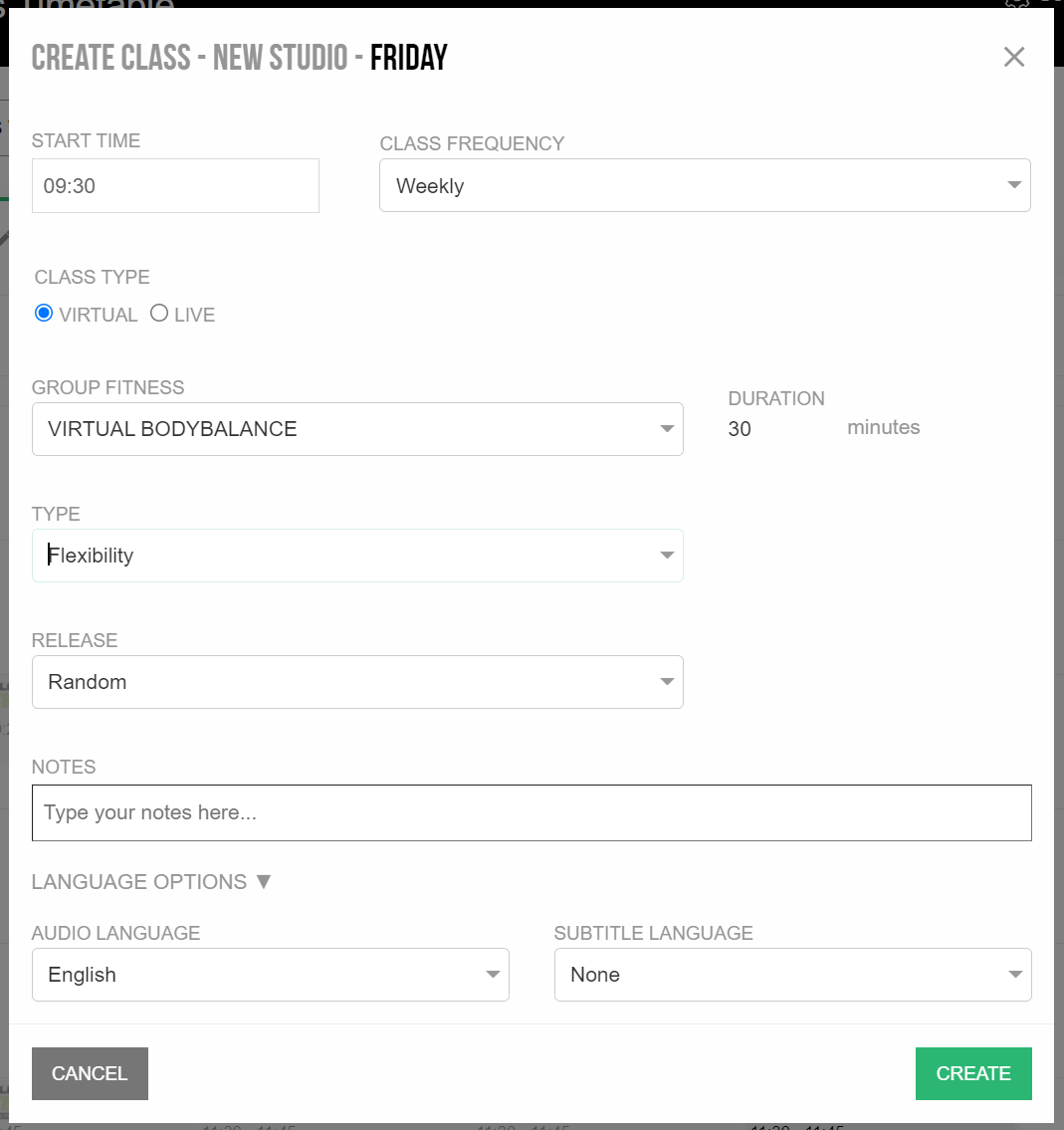
Virtual scheduled classes will use the default audio + subtitle language you selected in Club Preferences.In order to view or change audio + subtitle options for a class
- Click on the schedule to create a new class
- Select class type if applicable
- Click Language Options
- Select your desired audio + subtitle language
- Click Create
Was this article helpful?
That’s Great!
Thank you for your feedback
Sorry! We couldn't be helpful
Thank you for your feedback
Feedback sent
We appreciate your effort and will try to fix the article