How Do I Export The Timetable To PDF or CSV?
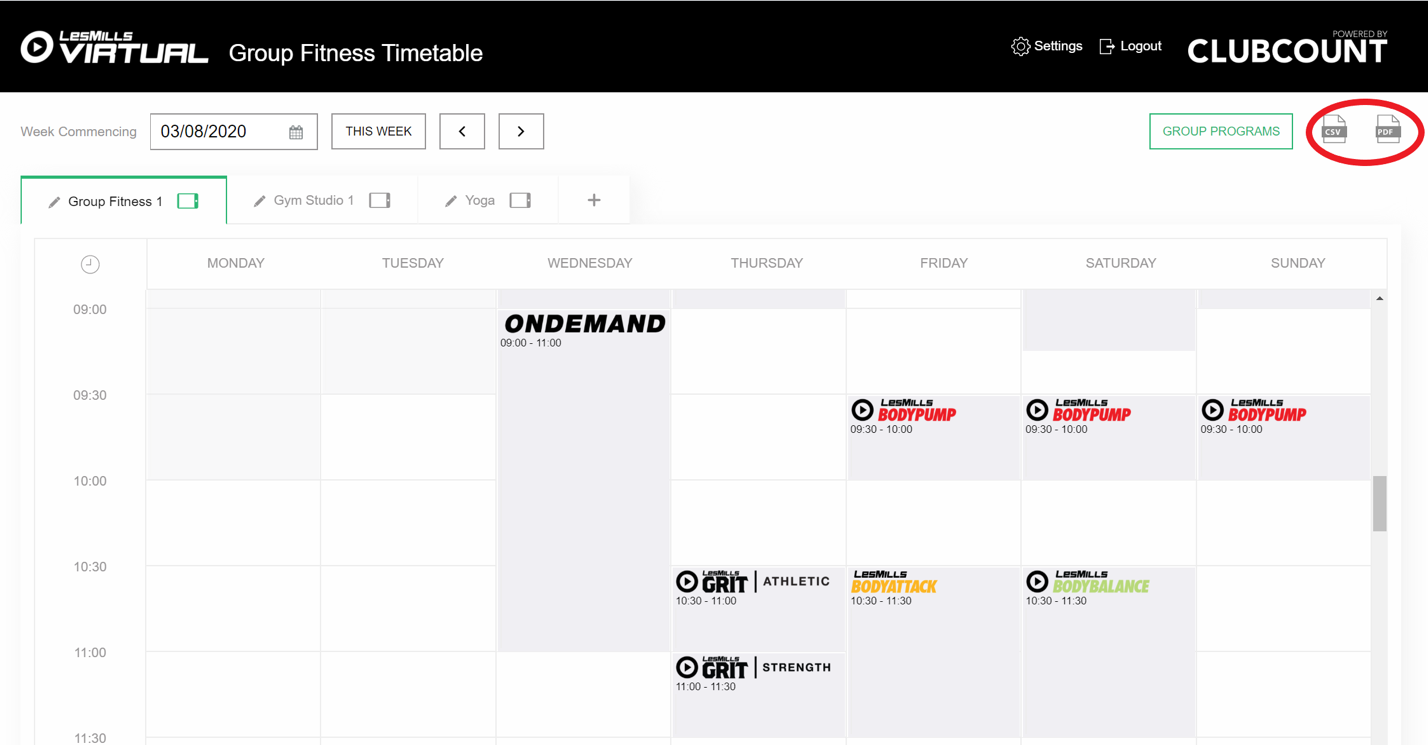
- To the top right of the homepage you will see options to export the timetable to .CSV or PDF. If you need to edit the timetable, then .CSV is your best option. For a version that needs limited customization, choose PDF.
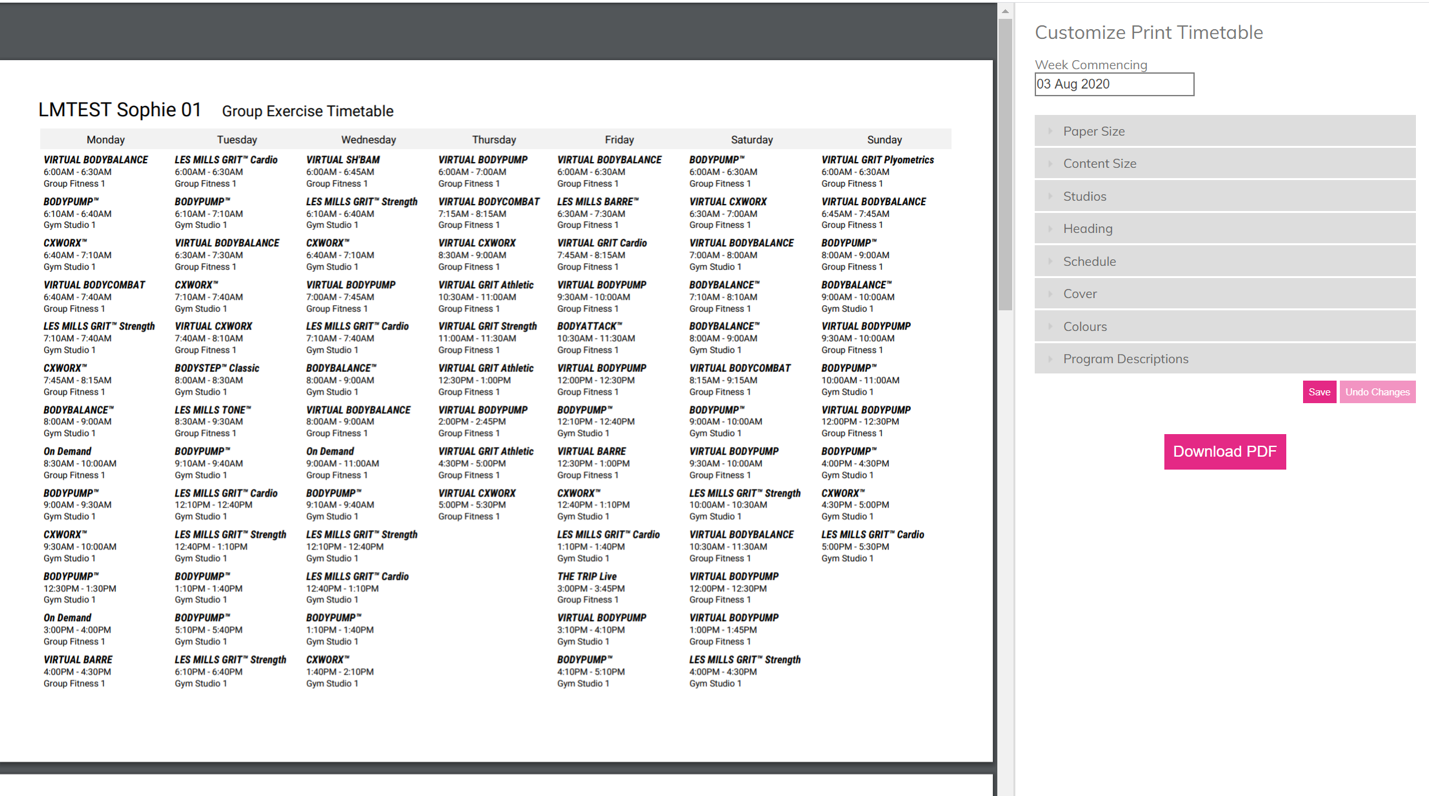
- Below is an example of a timetable that has been exported to PDF. There are options to the right to customize the timetable for your organisation, including adding a heading, logo and colours.
- To add Les Mills program logos, open 'Schedule' and select the 'show program logos' option.
- Once you're happy with the format, click 'Download to PDF
Was this article helpful?
That’s Great!
Thank you for your feedback
Sorry! We couldn't be helpful
Thank you for your feedback
Feedback sent
We appreciate your effort and will try to fix the article