How to manage your subscription
Accessing your Billing Portal
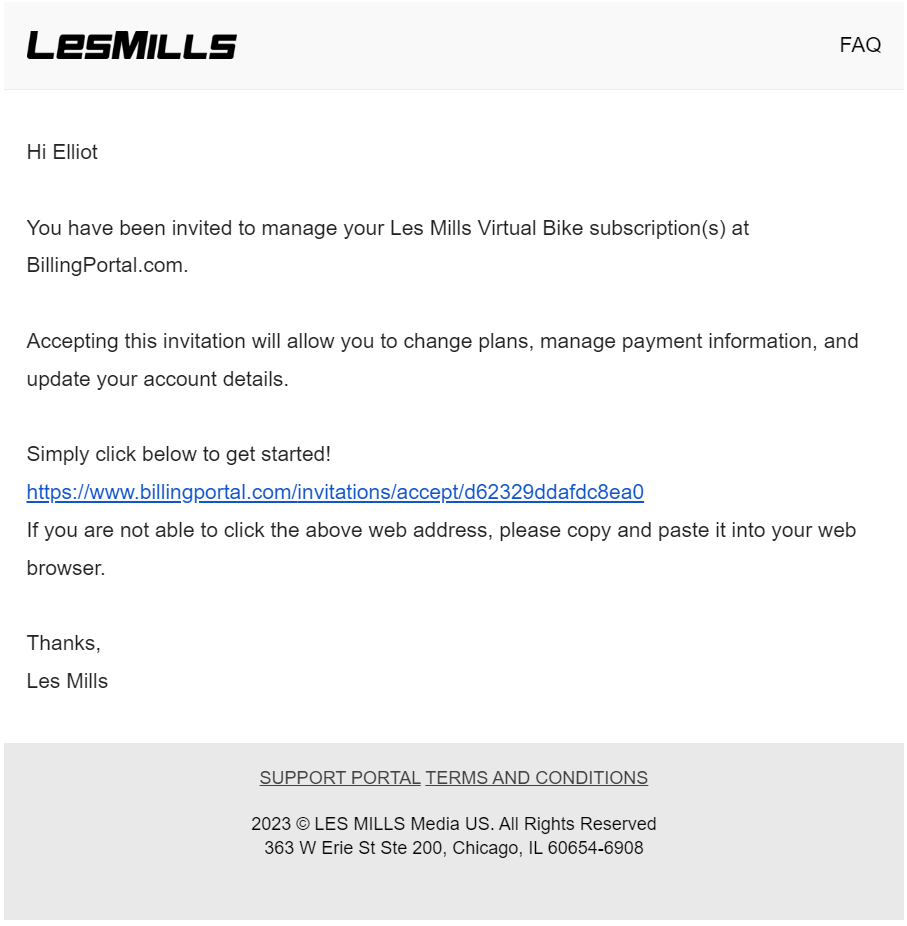
After purchasing your subscription you will receive two emails relating to your billing portal. Your billing portal invite link must be clicked first to gain access.
Billing Portal Invitation Email:
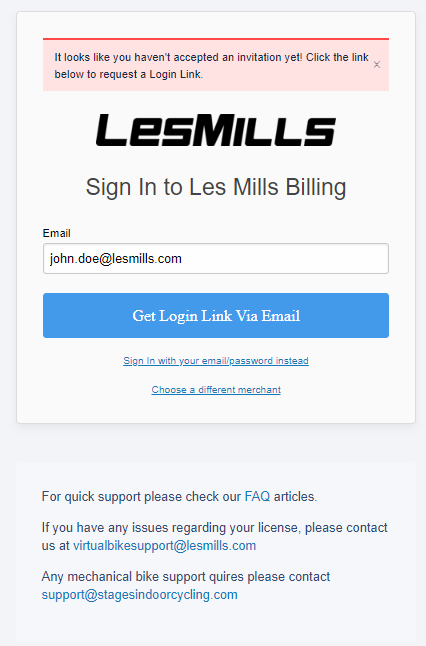
If after clicking the link you see this screen, you will have clicked the second link in your signup email. Go back to your emails and click the link in the billing portal invitation email.
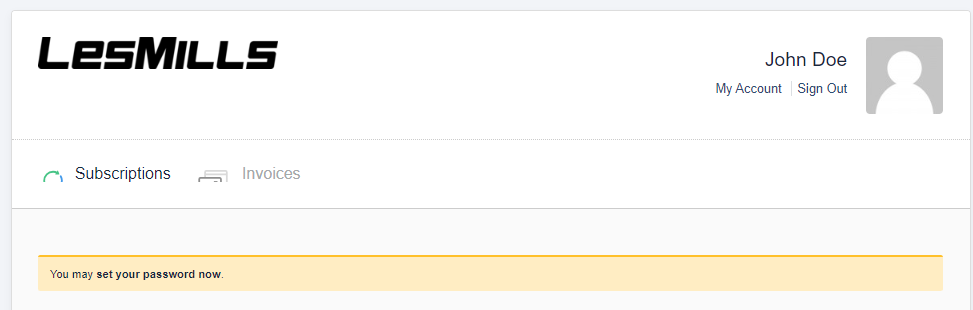
When you gain access to your billing portal for the first time you will be prompted to create a password, we recommend doing this so that you can easily manage your subscriptions going forward. If you missed this step or decided not to create a password, further down this page are instructions on how to access your billing portal.
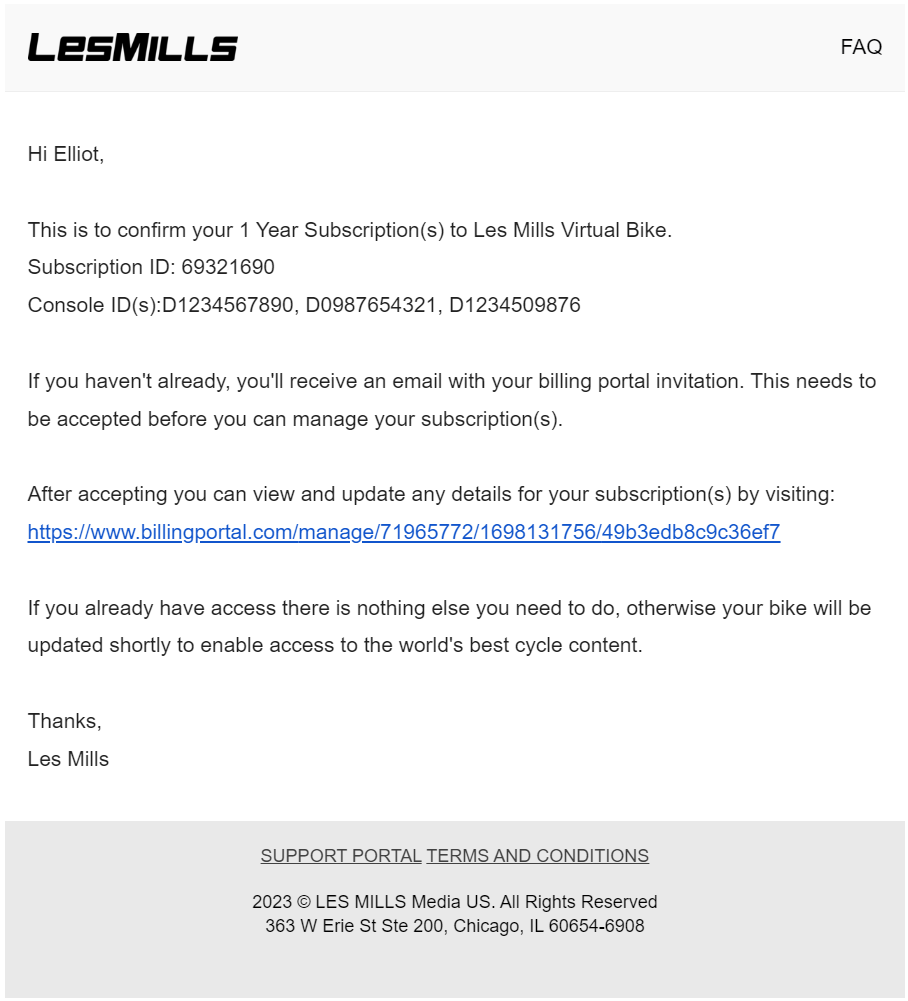
The second email which confirms your subscription contains a link to your billing portal that you can bookmark for future use.
Signup Email:
Cant access your billing portal:
If you signed up with the wrong email address please contact virtualbikesupport@lesmills.com
Alternately if you can't access your billing portal due to either forgetting or not setting up a password you can get a new link sent by following the process below.
Click the link in your signup email, you should see this screen.
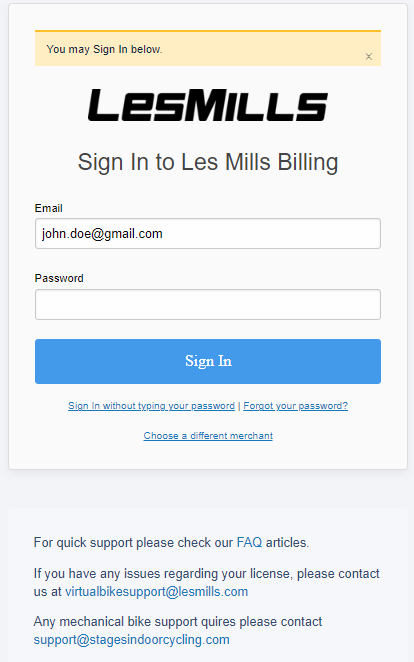
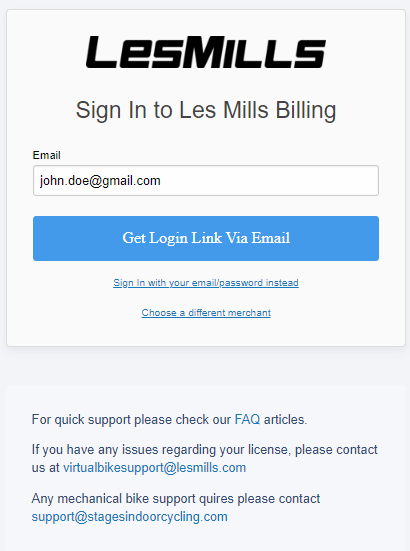
If you haven't set up a password click "Sign in without typing your password". You will receive an email which contains a new link to your billing portal.
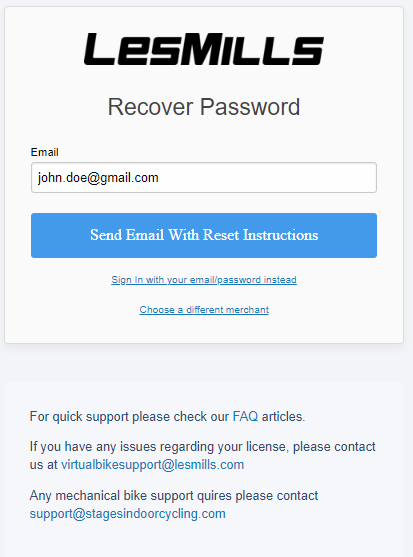
If you have forgotten your password click "Forgot your password?". You should receive an email with instructions on how to reset your password.
Was this article helpful?
That’s Great!
Thank you for your feedback
Sorry! We couldn't be helpful
Thank you for your feedback
Feedback sent
We appreciate your effort and will try to fix the article