Steps to manually triggering a content refresh
The bike will run a daily process in the background at midnight to check if there's new content available. However, this process can also be triggered manually:
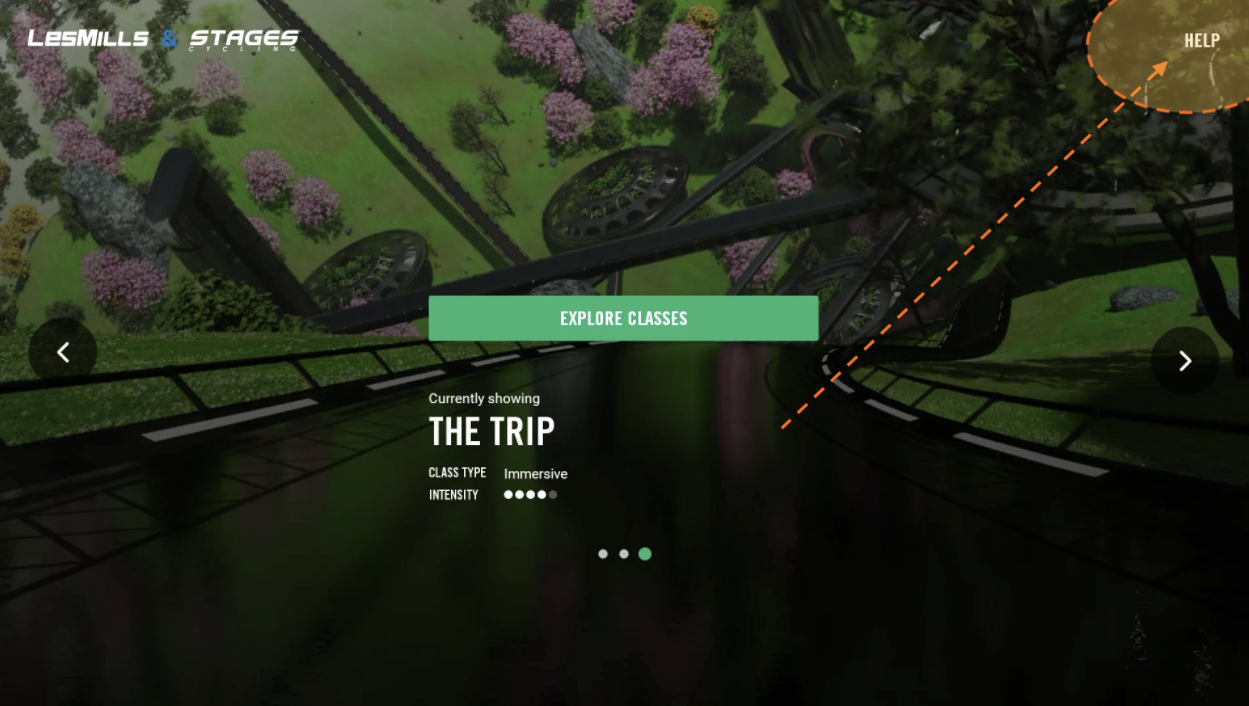
- Tap the HELP menu option (top right)
- Tap the bottom left corner of the Help screen 10 times. You should now see the ADMIN menu
- Select the Update menu option
- Tap the big green UPDATE button (you should see - “Updating the content manifest” under the update button)
- Exit from the Admin menu.

Was this article helpful?
That’s Great!
Thank you for your feedback
Sorry! We couldn't be helpful
Thank you for your feedback
Feedback sent
We appreciate your effort and will try to fix the article